
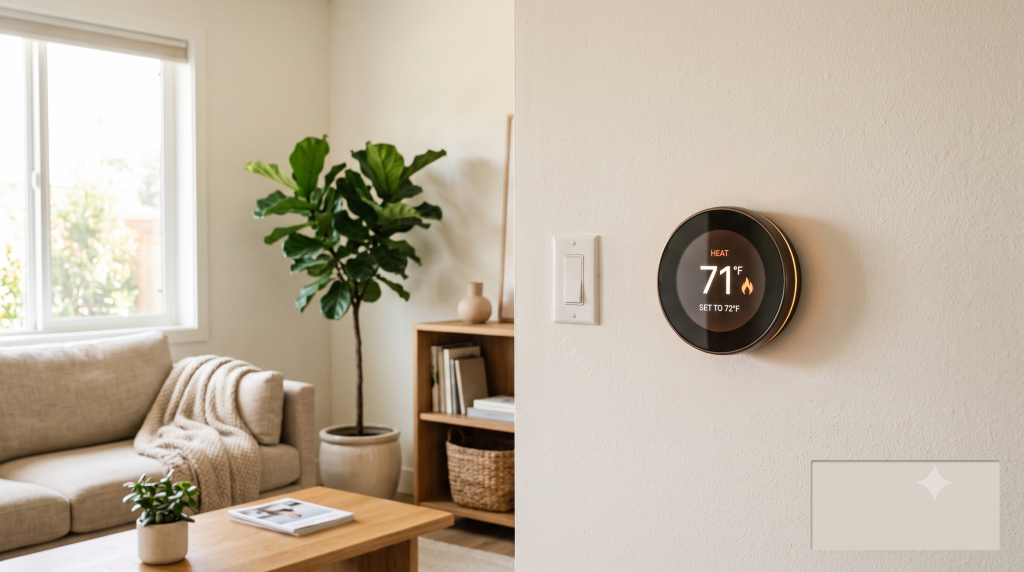
I put off buying a smart thermostat for almost two years because I couldn’t tell whether smart thermostats save money in the real world, or if it was just another gadget with a slick ad campaign behind it. Every brand claims double-digit savings, but none of them tell you what happens if you’re already someone who adjusts the temperature manually before bed. So I finally bought one, tracked my bill for three months before and after, and want to walk you through what I actually found, because the honest answer is a lot more “it depends” than the marketing lets on.
Quick Answer
Smart thermostats typically save 10–15% on heating and cooling costs by learning your schedule and reducing energy use when you’re away. For an average household, that translates to $50–$150 per year, meaning most models pay for themselves within one to two years, but savings are much smaller if you already adjust your thermostat manually.
What happened when I actually tracked it
I’m going to be upfront: my first bill after installing mine was barely different. I’d already been fairly diligent about turning the heat down before bed, so the “learning” the thermostat was doing didn’t change much about my actual usage. Where I did see a real dent was on days I forgot (a work trip, a long weekend away), where in the past I’d have come home to a house that had been heated or cooled the entire time for nobody.
Over three months, my savings landed closer to 6%, not the 15% on the box. I logged my usage in a spreadsheet each week just to see if the number would climb once the thermostat had more time to “learn” my patterns, and it plateaued around week five. That gap between marketing and reality is really the whole story here, so let’s break down where those bigger numbers actually come from and when they apply to you.
Where the savings estimates come from
Most manufacturer claims (10–15% savings) come from lab studies comparing a smart thermostat to a household with no programmable schedule at all, meaning someone who leaves the thermostat on one constant setting all day, every day. If that’s genuinely your starting point, you’ll probably see savings close to what’s advertised.
If you’re already using a basic programmable thermostat and actually sticking to the schedule, expect something more modest, in the 3–7% range, like what I saw. The honest test I’d suggest before buying: think back over the last month and count how many days you actually forgot to adjust the temperature before leaving. If it’s most days, you’re the target customer. If it’s rare, temper your expectations.
Who benefits the most
- Households that are away unpredictably (irregular work schedules, shift work)
- People who currently leave the thermostat on one constant setting and forget about it
- Homes with older, inefficient HVAC systems where scheduling has more impact
- Anyone (like me, apparently) who forgets to adjust the temperature before a trip
Who won’t see much of a difference
I fell into a bit of a gray zone here: my house is on the small side, and I was already somewhat disciplined, which is exactly why my results came in below the marketing average. If your situation looks like this too, don’t assume the thermostat is a bad purchase, just adjust your expectations for what it’s actually going to do for your bill.
- Households already using a basic programmable thermostat consistently
- Very small apartments where heating/cooling costs are already low
- Renters who can’t control the HVAC system itself, only a wall unit
If that’s your situation, a whole-home thermostat probably isn’t in the cards, but that doesn’t mean you’re stuck. Smaller-scale solar gadgets built for renters and small spaces can still shave a bit off your energy use without touching the HVAC system at all.
The real cost to consider
A smart thermostat runs $100–$250 upfront, plus possible installation costs if your home’s wiring doesn’t include a C-wire (mine did, so I got lucky and installed it myself in about twenty minutes). Factor the full cost in before assuming quick savings: a $250 unit saving $60 a year takes over four years to pay for itself.
Mine cost $180 and, at my real savings rate, will take a little under three years. Not nothing, but not the instant payoff the ads imply either. I’d still say it was worth it for me, mostly because of the peace of mind on the days I forget to adjust things manually. But I went in with realistic numbers, and I’d encourage you to run your own math before buying rather than trusting the box.
Features that actually mattered, beyond the savings pitch
The feature that ended up saving me the most money wasn’t the scheduling. It was geofencing, which uses your phone’s location to detect when you’ve actually left the house and adjusts automatically. That’s the feature that catches the exact scenario where I’d otherwise waste energy: forgetting to change the temperature before a trip.
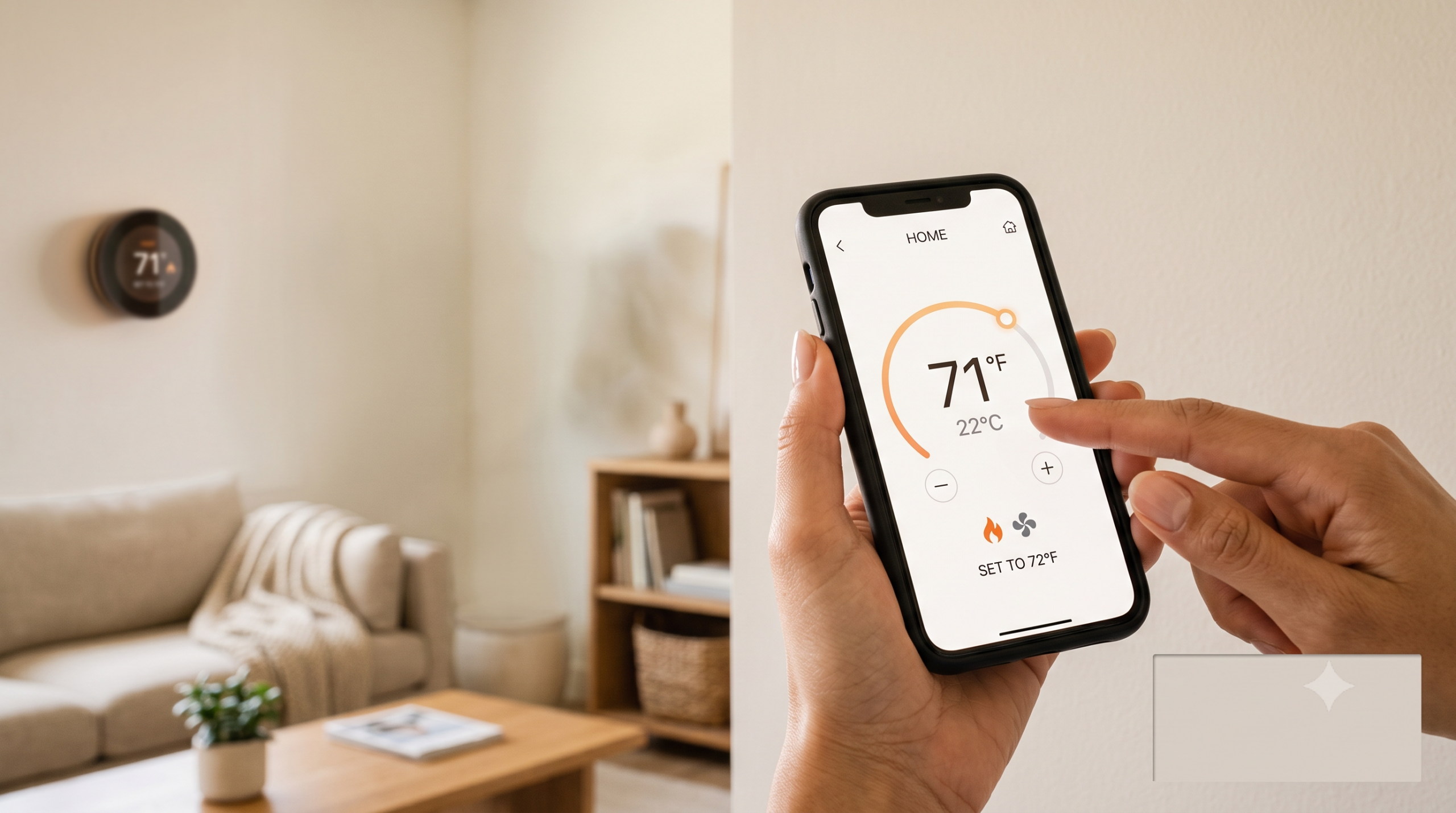
Remote control through the app mattered more than I expected too. I’ve adjusted the temperature from an airport more than once, which a basic programmable thermostat simply can’t do. If you’re comparing models, I’d weigh these two features more heavily than the brand name or the sleek display.
A few things I got wrong during setup
I assumed the “learning” thermostats do their smartest work immediately, and mine actually took a couple of weeks of somewhat erratic scheduling before it settled into a pattern that matched my real routine. I also didn’t realize at first that my HVAC system needed a firmware update through the app before certain features worked, a fifteen-minute annoyance I wasn’t expecting.
If you’re installing one yourself, I’d budget an evening for it rather than assuming it’s a five-minute job, even if the actual wiring only takes twenty minutes like mine did. The setup and app pairing process is where the extra time actually goes.
Comparing the main options I looked at
I narrowed my choice down to three models before buying, and the price spread was bigger than I expected, from about $100 for a basic smart model up to $250 for one with a full-color touchscreen and more detailed usage reports. I ended up passing on the cheapest one because reviews consistently mentioned unreliable geofencing, which was the one feature I actually cared about.
The mid-range option I bought had the same core scheduling and geofencing as the flagship model, just without the fancier display, so I didn’t feel like I was giving up much by not spending the extra seventy dollars. If you’re comparing models yourself, I’d read reviews specifically about geofencing reliability rather than trusting the spec sheet alone, since that’s the feature most likely to vary in real-world performance.
Is it still worth it after the first year?
I’m now into my second year with mine, and the case for it has actually gotten a bit stronger over time rather than weaker. The usage reports have made me notice patterns I wouldn’t have otherwise caught, like a consistent spike every time I have guests over and forget to adjust things back afterward.
That kind of ongoing awareness is the part the marketing doesn’t really talk about. The direct dollar savings might be modest for someone like me who was already fairly careful, but the visibility into my own habits has been worth something on its own, separate from the thermostat’s automated scheduling.
If usage reports are the part that hooked you too, a dedicated home energy monitor takes that same idea further, and it’s on my list to try next.
What I’d tell a friend before they buy one
If a friend asked me today, I’d tell them to actually track their current thermostat habits for two weeks before buying anything: write down every time you adjust it manually and whether you ever forget. That fifteen-minute exercise will tell you more about your likely savings than any review or spec sheet.
I’d also tell them not to expect it to feel dramatic. For most people who are already reasonably careful, this is a quiet, incremental improvement rather than a transformative one. It’s worth doing, but worth doing with the right expectations going in.
Frequently Asked Questions
🌿 Is a smart thermostat worth it for renters?
Only if you control the HVAC system directly and plan to stay long enough to recoup the cost. If you rent an apartment with a shared or landlord-controlled system, skip it. I’d have wasted my money in my last apartment for exactly this reason.
🌿 Do I need professional installation?
Most units are DIY-friendly if you have a C-wire. Mine took about twenty minutes with just a screwdriver. Homes without a C-wire may need an electrician or a compatible adapter kit.
🌿 Which matters more: brand or features?
Scheduling accuracy and geofencing (detecting when you’ve actually left the house) matter more than brand name. That geofencing feature is the one that actually saved me money, so compare that spec directly rather than going by price alone.
🌿 How long before I see real savings show up on my bill?
In my experience, give it a full billing cycle before drawing conclusions. Mine took about five weeks to settle into an accurate schedule, so the first bill undersells what it’ll actually do long-term.
🌿 Does the season affect how much it saves?
Yes. For me, the savings were more noticeable during shoulder seasons (spring and fall) when the temperature swings enough that scheduling actually matters, versus deep winter or summer when the system runs more constantly regardless.
Final NatGreen thoughts
A smart thermostat is a solid, low-effort upgrade, but go in with real numbers, not the marketing ones. If you already run a tight schedule, treat the savings as a bonus on top of the convenience, not the main reason to buy.
Related reading: Sustainable Living on a Budget for Beginners.
Ready to stop guessing and start tracking your own numbers? Pull up your last utility bill before you buy anything. It’s the fastest way to know if this is worth it for your home.